If you’re searching for Supawork AI, you likely want one of two things: a free, no-sign-up face swap tool or an all-in-one AI workspace that replaces five separate paid subscriptions. supawork delivers both.
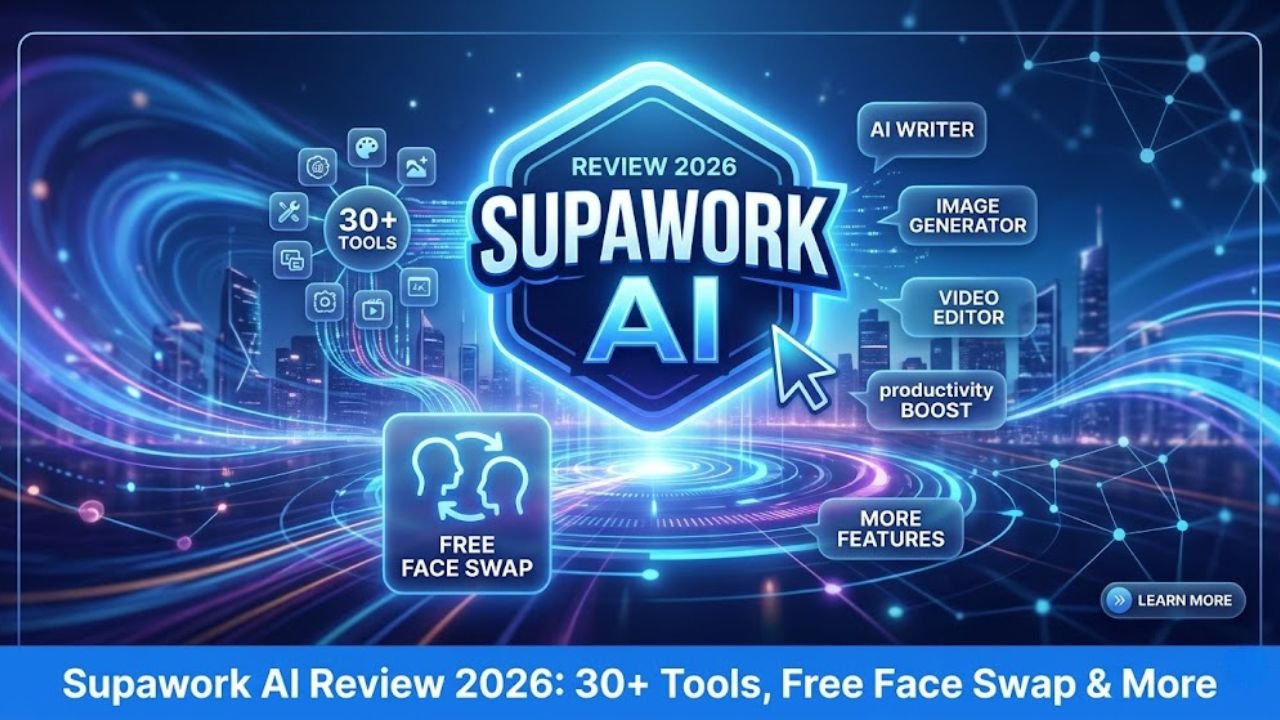
Bottom line upfront: Supawork AI is a web-based platform with 30+ AI tools — covering video creation, image editing, face swapping, professional headshots, resume building, and academic translation — all under one login. No software download. No technical skills needed.
Originally launched as a job-seeker toolkit (resume + headshot + cover letter), Supawork has since expanded aggressively into creative AI. The platform now offers over 30 AI tools ranging from video generation, image editing and face swapping, lip syncing, logo generation, and even academic PDF translation.
Over 1 million users have already signed up, making it one of the fastest-growing AI toolkits of 2025–2026.
Who Is Supawork AI For?
Supawork is genuinely multi-purpose. Here’s who benefits most:
- Content Creators: Make viral Reels, TikToks & YouTube Shorts with face swap, lip sync, and short-video generation.
- Job Seekers: Build ATS-friendly resumes, generate LinkedIn headshots, and craft tailored cover letters — all free.
- Marketers & Agencies: Batch-process face swap ads, generate brand visuals, and localize video content fast.
- Students & Academics: Translate research PDFs, create explainer videos, and produce study content quickly.
- Small Business Owners: Generate branded headshots and polished visuals without hiring a photographer or designer.
- Filmmakers & Storytellers: Create cinematic shots, concept visuals, and story-driven videos with AI-powered tools.
It feels like a hybrid of CapCut + Canva + LinkedIn Photo Lab, built for the 2025 creator economy. That comparison holds in 2026 too.
Supawork AI Face Swap — Image, Video & GIF
The Supawork AI face swap suite is arguably the platform’s most popular feature cluster. It covers four distinct modes:
- Image Face Swap — Swap faces in photos in ~10 seconds, HD output, no sign-up.
- Video Face Swap — Replace faces across video frames with natural lighting matching.
- GIF Face Swap — Swap faces in animated GIFs for memes and social content.
- Batch Face Swap — Process multiple assets simultaneously — ideal for agencies and creators at scale.
What Makes the Face Swap Technology Stand Out?
Supawork’s video face swap adapts to 50+ facial expressions and complex lighting conditions, with over 5 million professional-grade video edits completed.
Key technical differentiators:
- 4K quality output — studio-grade resolution, not blurry web-tier
- Multi-face support — replace multiple faces in a single clip simultaneously
- Motion coherence — the face is detected accurately and automatically matched to the target while maintaining a sense of unity between natural lighting and the face even in motion.
- Cloud processing — no GPU required on your device
- No sign-up for basic use — just upload and swap
Pro tip for Indian creators: Supawork’s face swap works well for dubbing-style content — swap your face onto a trending video or celebrity interview clip for Instagram Reels. Pair it with the lip-sync feature for maximum realism.
Supawork AI Video Face Swap — Step-by-Step Guide
The Supawork AI video face swap tool is browser-based. No app install. No account needed for basic use. Here’s exactly how to use it:
- Go to supawork.ai/ai-video-face-swap
Open the tool directly — no homepage navigation needed. - Upload your source video
Drag and drop or click to upload. Supports MP4, MOV, and other common formats. - Upload the face image you want to insert
A clear, front-facing photo works best. The AI detects the face automatically. - Select which face(s) to replace
For group videos, select specific faces from the detected list. - Click “Generate” and wait
The majority of tasks take less than a few minutes. Complex, longer videos may take slightly longer. - Download your video
Free tier includes a watermarked version. Premium exports are watermark-free in HD.
Best Practices for Realistic Results
- Use a high-resolution, well-lit source photo — the AI learns your face better
- Choose videos with steady, consistent lighting — avoids jarring mismatches
- For multi-face clips, label faces clearly before confirming the swap
- Test with a short clip first before processing a long video — saves credits
All 30+ Supawork AI Tools — Full Feature Breakdown
Supawork isn’t just a face swap tool. The platform covers four major categories: AI Video, AI Image, AI Face Swap, and AI Resume & Career tools. Here’s the complete breakdown:
AI Video Tools
- Text-to-Video — Generate short videos from text prompts
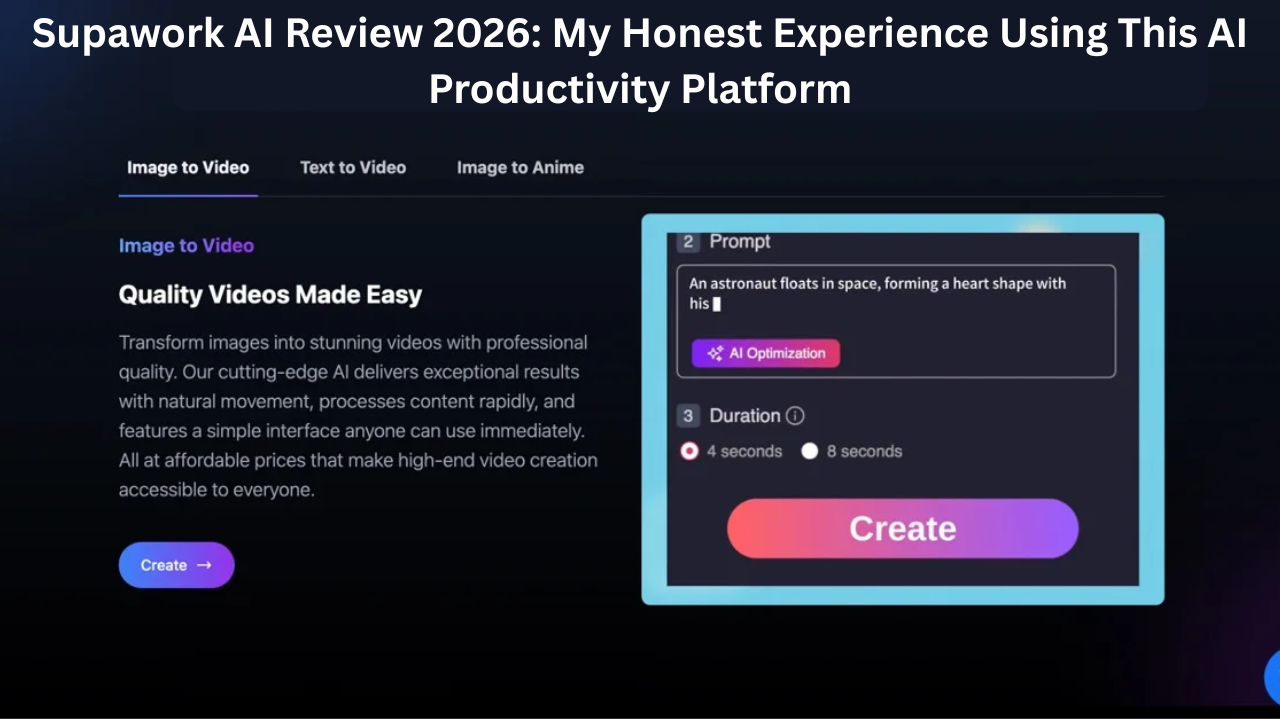
- Image-to-Video — Animate still images into cinematic clips
- AI Lip Sync — Automatically sync video to audio — great for dubbing and localization
- Short Video Generator — Purpose-built for Reels/TikTok formats
- AI Motion Effects — Add dynamic motion to static content
AI Image Tools
- Text-to-Image — Generate custom images from descriptions
- Image-to-Image — Transform one photo style into another
- Background Removal — One-click background eraser
- Watermark Removal — Clean up images instantly
- Anime Conversion — Turn photos into anime-style illustrations
- Photo Enhancement — Sharpen, upscale, restore images
- Logo Generator — AI-built brand logos
AI Professional Headshots Most Popular
The headshot generator is the platform’s most popular standalone feature. Upload 6–10 selfies and get back 300+ professional headshot variations in different styles (corporate, tech startup, creative agency, casual business).
- No photographer, no studio, no watermark
- 300+ style variations from a single session
- Perfect for LinkedIn, resumes, company directories
- A professional headshot can increase a resume’s first-round selection rate by 60%, according to a U.S. career coaching agency. (Insert source link/stat here)
AI Resume & Career Tools
- AI Resume Builder — ATS-optimized, 100+ templates, no sign-up needed
- AI Cover Letter Generator — Uses GPT-4 technology, trained for career writing. Enter a job description and resume details; the AI creates a role-specific letter with adjustable tone.
- Resume Checker — Score and improve your existing resume
- Resume Translator — Supports 20+ languages — ideal for international job seekers
- AI Job Application Autofill — Speed up repetitive application forms
AI Scholar Tools
- PDF Translator — Translates academic research papers while preserving formatting
- AI Detector — Checks if text reads as AI-written
- AI Humanizer — Rewrites AI content to sound more natural
Supawork AI Pricing — Free, Coins, Monthly & Lifetime
Supawork AI follows a freemium model with multiple upgrade options. Here’s every tier clearly explained:
| Plan | Cost | Credits / Access | Best For |
|---|---|---|---|
| Free | $0 / no sign-up | Daily free tokens; basic tools unlimited | Casual users, first-timers |
| Coins (Pay-as-you-go) | $9.99 – $99.99 | Coin bundles; most popular = 3,000 coins @ $37.99 | Occasional creators |
| Monthly Subscription | Monthly (varies) | 10,000 AI credits/month | Regular content creators |
| Lifetime Plan | One-time fee | 100,000 AI credits, no recurring cost | Power users, agencies |
Money-saving tip: Annual plans are currently discounted 30%, allowing users to save $24–$90 per year compared to monthly pricing. If you’re a frequent creator, the annual subscription offers the best value.
What’s Actually Free?
Basic tools like the resume builder, cover letter generator, and headshot creator are free. No sign-up is required to access these. The resume builder includes 100+ templates at no upfront cost.
Advanced features — especially video face swap and video generation — consume credits. The free daily tokens are enough to test, but frequent creators will need a paid tier.
Supawork AI — Pros & Cons
Pros
- 30+ tools under one login — replaces multiple subscriptions
- Generous free tier — core tools need no sign-up
- No software download — 100% browser-based
- 4K video face swap with multi-face support
- 300+ headshot styles from a handful of selfies
- Flexible pricing — pay-as-you-go or subscribe
- Annual plans discounted 30%
- GPT-4 powered career tools
Cons
- Free tier has strict limits for frequent creators
- Purchased coins expire — use or lose them
- Cannot fully replace professional editing software
- Some advanced video tools require credits even at basic lengths
- No dedicated mobile app (browser only)
Supawork AI vs Competitors
How does Supawork compare to specialized tools?
| Feature | Supawork AI | CapCut | HeyGen | Canva AI |
|---|---|---|---|---|
| Video Face Swap | ✔ 4K, multi-face | ✔ Limited | ✔ Premium | ✘ |
| AI Headshots | ✔ 300+ styles | ✘ | ✘ | ✔ Basic |
| Resume Builder | ✔ ATS + GPT-4 | ✘ | ✘ | ✔ Templates only |
| Free Tier (No Sign-up) | ✔ | ✔ | ✘ | ✔ |
| Lip Sync | ✔ | ✔ | ✔ | ✘ |
| Academic PDF Tools | ✔ | ✘ | ✘ | ✘ |
| All-in-One Platform | ✔ 30+ tools | ✘ Video only | ✘ Video only | ✘ Design only |
Most platforms specialize — Supawork’s bet is that you want everything under one login. If you’re juggling multiple AI subscriptions for video, image, resume, and translation tools, Supawork AI is worth a serious look.
Final Verdict — Should You Use Supawork AI?
Our Verdict
For casual users and job seekers: Yes, immediately. The free tier is genuinely useful and requires no sign-up. The headshot and resume tools alone justify the signup.
For content creators in India and the US: Yes, with a paid plan. The face swap, lip sync, and video generation tools are powerful for Reels and short-form content — and significantly cheaper than paying for CapCut Pro + a headshot service + a resume builder separately.
For professional video editors: Use it as a supplement, not a replacement. It is among the most effective in 2026 for quick, affordable, and efficient AI-based content creation, though it may not fully substitute professional editing software.
- Ease of Use
- Face Swap Quality
- Value for Money
- Feature Breadth
- Free Tier Generosity
Frequently Asked Questions
Q1. Is Supawork AI completely free?
Supawork AI does have a free plan, but it comes with strict limitations that make it less suitable for frequent content creators. The paid plans expand those limitations significantly. Core tools like the resume builder and headshot generator are free with no sign-up required.
Q2. Does Supawork AI require sign-up for face swap?
No. The face swap video tool is available online for free with no sign-up required. Basic image face swaps are also accessible without creating an account.
Q3. What video quality does Supawork AI video face swap produce?
Supawork’s video face swap offers 4K, studio-quality AI face-swapping, adapting to 50+ facial expressions and complex lighting conditions.
Q4. How many tools does Supawork AI have?
Supawork AI now has over 30 AI tools spanning video generation, image editing, face swapping, lip syncing, logo generation, academic PDF translation, resume building, and more.
Q5. Can I use Supawork AI on mobile?
Yes. The platform is fully web-based with no downloads and no complicated software required. It runs in any mobile browser without needing an app install.
Q6. What’s the difference between coins and subscription plans?
Coins are a pay-as-you-go option (plans range from $9.99 to $99.99) that expire when unused. Subscriptions provide 10,000 monthly AI credits on the monthly plan, or 100,000 credits for life on the lifetime plan. Subscriptions offer better long-term value for regular users.
Q7. Is Supawork AI safe and ethical to use?
Supawork AI is intended for personal creative, professional, and educational use. As with all AI face swap tools, users are responsible for ensuring they have consent before swapping real people’s faces and that content is not used to mislead or harm others. Always use ethically and within local legal guidelines.