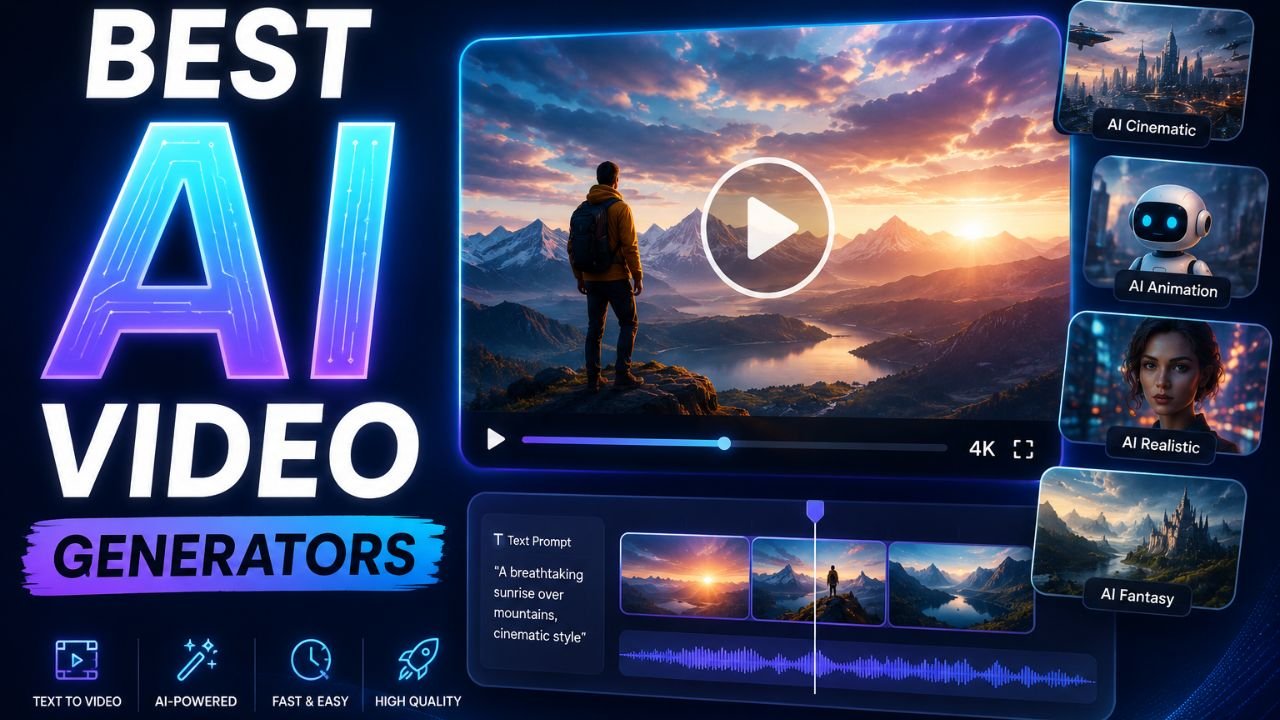
Artificial intelligence has completely changed the way I create videos. A few years ago, making high-quality videos required expensive software, powerful editing skills, and hours of manual work. But now, with the rise of the best AI video generators, creating professional videos has become much easier, faster, and surprisingly affordable.
Over the last year, I personally tested dozens of AI video tools for blogging projects, YouTube content, social media videos, product explainers, and even short cinematic clips. Some tools were unbelievably good, while others still felt unfinished or too limited for real-world content creation.
In this detailed guide, I will share my personal experience with the best AI video generators in 2026, including what works, what doesn’t, which tools are worth your time, and which AI video generator is best for different types of creators.
The AI video industry is moving extremely fast. Every few months, new tools launch with better quality, improved realism, and advanced editing capabilities. That is why choosing the right platform matters more than ever.
If you are a beginner, marketer, YouTuber, blogger, business owner, or someone simply curious about AI-generated videos, this guide will help you understand the current landscape of the best AI video generators.
Why AI Video Generators Are Becoming So Popular
One thing I noticed while testing these tools is that AI video creation saves an unbelievable amount of time. Earlier, creating even a simple promotional video required recording footage, editing clips manually, adding transitions, syncing audio, and spending hours fixing small mistakes.
Now, the best AI video generators can create complete videos from simple text prompts within minutes.
For example, I tested tools that could:
| Feature | What AI Can Do |
| Text to Video | Create videos from written prompts |
| AI Avatars | Generate human presenters |
| Voice Generation | Create realistic AI voiceovers |
| Cinematic Scenes | Produce movie-style visuals |
| Auto Editing | Automatically edit clips |
| Background Music | Add AI-generated soundtracks |
| Lip Syncing | Match voice with facial movement |
| Social Media Videos | Generate Shorts and Reels instantly |
The reason why the best AI video generators are growing rapidly is simple. They reduce production costs while improving speed.
As someone running multiple websites and experimenting with video content regularly, I found AI tools especially useful for creating:
- YouTube Shorts
- Instagram Reels
- Blog videos
- Product explainers
- AI ads
- Faceless YouTube videos
- Educational clips
- Promotional content
Another major advantage is accessibility. Earlier, advanced video production was only possible for professionals. But now even beginners can create visually impressive content using the best AI video generators in 2026.
How I Tested the Best AI Video Generators
Before recommending any platform, I personally tested these tools on different projects. I didn’t just check marketing pages or online reviews.
I used each AI video generator for actual content creation tasks.
To make this comparison fair, I evaluated every tool based on several important factors.
| Testing Factor | Why It Matters |
| Video Quality | Determines realism and clarity |
| Rendering Speed | Faster generation saves time |
| Ease of Use | Important for beginners |
| Prompt Accuracy | AI should follow instructions correctly |
| Pricing | Value for money matters |
| Export Quality | High-resolution support is important |
| AI Features | Advanced tools improve creativity |
| Editing Options | Flexibility helps professional creators |
After weeks of testing, I narrowed down the tools that truly deserve to be included in the list of the best AI video generators.
Best AI Video Generators in 2026
The AI video industry is more competitive than ever in 2026. Every major company is trying to build the next breakthrough AI video platform.
Some tools focus on realism, while others are designed for speed, simplicity, or social media automation.
Below are the AI video generators that impressed me the most.
Google Veo AI
When I first tried Google Veo AI, I immediately understood why people are calling it one of the most powerful AI video tools ever released.
Google Veo AI focuses heavily on cinematic realism. The generated visuals feel incredibly smooth, detailed, and dynamic compared to many older AI models.
What impressed me most was the camera movement.
Most AI video generators struggle with natural motion, but Google Veo AI handles movement surprisingly well. Scenes feel more like professionally shot footage rather than static AI animations.
I tested Google Veo AI with several prompts including city scenes, nature footage, product showcases, and cinematic storytelling.
The results were genuinely impressive.
| Google Veo AI Features | Experience |
| Realistic Motion | Excellent |
| Cinematic Quality | Outstanding |
| Prompt Accuracy | Very Good |
| Rendering Speed | Moderate |
| Ease of Use | Beginner Friendly |
One thing I personally liked about Google Veo AI is how well it understands storytelling prompts.
For example, when I entered prompts involving emotional scenes or cinematic transitions, the AI handled lighting and camera angles intelligently.
That said, Google Veo AI still feels premium and slightly limited for average users because access is not always fully open.
Still, in terms of quality, Google Veo AI easily deserves a spot among the best AI video generators 2026.
OpenAI Sora AI
OpenAI Sora AI completely changed public expectations around AI-generated video.
The first time I saw Sora-generated clips online, I honestly thought some were real footage.
After personally testing OpenAI Sora AI, I understood why the internet became obsessed with it.
The realism is incredibly advanced.
Textures, movement, reflections, shadows, and scene consistency are far ahead of many competitors.
What surprised me most was the scene continuity.
Many AI tools generate short clips that quickly break apart visually. But OpenAI Sora AI maintains scene structure much better.
I tested prompts involving:
- Walking characters
- Busy city environments
- Animals in motion
- Weather effects
- Cinematic storytelling
The quality felt next-generation.
| OpenAI Sora AI Features | Performance |
| Realism | Exceptional |
| Motion Handling | Excellent |
| Story Continuity | Strong |
| Prompt Understanding | Outstanding |
| Creativity | Extremely High |
The downside is that OpenAI Sora AI still feels more experimental for many users and may not always be widely accessible depending on rollout phases.
But purely from a technology perspective, OpenAI Sora AI is easily among the best AI video generators in the world.
Kling AI
Kling AI became popular extremely quickly, especially among creators looking for cinematic AI video generation.
When I tested Kling AI, I noticed that it performs very well with detailed visual prompts.
The generated videos often feel dramatic, visually rich, and highly stylized.
One thing I personally liked about Kling AI was how good it looked with fantasy-style prompts and cinematic action scenes.
Compared to many simple AI tools, Kling AI feels more creative and artistic.
| Kling AI Strengths | My Experience |
| Cinematic Scenes | Excellent |
| Creative Style | Very Strong |
| Motion Quality | Good |
| Prompt Flexibility | High |
| Character Animation | Impressive |
However, Kling AI sometimes struggles with consistency in longer sequences.
In some tests, facial details changed slightly between scenes.
Still, for creators wanting visually stunning AI-generated content, Kling AI is one of the best AI video generators 2026.
Runway ML
Runway ML is one of the AI video tools I have used the most.
Unlike some newer tools focused only on text-to-video generation, Runway ML provides a more complete creative workflow.
I personally used Runway ML for:
- Removing video backgrounds
- AI editing
- Motion tracking
- Text-to-video generation
- Image animation
- Video expansion
The biggest strength of Runway ML is flexibility.
It feels more like a professional AI creative studio instead of a single-purpose tool.
| Runway ML Features | Rating |
| Editing Features | Excellent |
| AI Video Quality | Very Good |
| Workflow Tools | Outstanding |
| User Interface | Beginner Friendly |
| Export Options | Strong |
Another thing I liked about Runway ML is that it balances simplicity with advanced features.
Beginners can start quickly, while professionals can explore deeper editing options.
If someone asks me for one reliable all-in-one AI video platform, Runway ML is usually one of my first recommendations.
That is why it continues to rank among the best AI video generators.
Luma AI
Luma AI impressed me with its realistic 3D-style rendering and visual depth.
The platform feels particularly strong for creators wanting immersive scenes.
When I tested Luma AI, I noticed its environments often looked more spatially accurate compared to simpler AI generators.
The motion also felt smooth and cinematic.
| Luma AI Highlights | Performance |
| Scene Depth | Excellent |
| Visual Realism | Very Good |
| Camera Movement | Smooth |
| AI Rendering | High Quality |
| Learning Curve | Moderate |
One area where Luma AI stands out is visual atmosphere.
Lighting, shadows, and environmental textures often look very realistic.
For filmmakers, advertisers, and creators wanting cinematic visuals, Luma AI is definitely one of the best AI video generators in 2026.
HeyGen AI
HeyGen AI focuses more on AI avatars and talking presenter videos.
I tested HeyGen AI for creating explainer videos, business presentations, and faceless YouTube content.
The experience was surprisingly smooth.
The AI avatars look realistic enough for professional business use, especially when paired with good scripts.
| HeyGen AI Features | My Opinion |
| AI Avatars | Excellent |
| Lip Syncing | Very Good |
| Voice Quality | Strong |
| Ease of Use | Excellent |
| Business Content | Perfect |
One thing I personally appreciated was the speed.
Creating a professional-looking AI spokesperson video took only a few minutes.
For marketers and businesses, HeyGen AI is easily one of the best AI video generators available right now.
VEED AI
VEED AI feels more like a smart AI editing platform than a pure cinematic AI generator.
I personally used VEED AI for social media content and short-form videos.
The platform is extremely beginner-friendly.
Even someone with no editing experience can create videos quickly.
| VEED AI Features | Experience |
| Editing Simplicity | Excellent |
| Captions | Outstanding |
| Social Media Videos | Perfect |
| AI Tools | Useful |
| Learning Curve | Very Easy |
One feature I used heavily was automatic subtitle generation. The accuracy was surprisingly good. For YouTube Shorts, Instagram Reels, and TikTok videos, VEED AI works extremely well. That is why many creators consider it one of the best AI video generators for beginners.
Seedance AI
Seedance AI is still relatively newer compared to some major names, but I was genuinely surprised by its performance. The platform focuses on visually appealing AI-generated content with decent rendering speed.
During my testing, Seedance AI produced good results for social media visuals and short cinematic clips.
| Seedance AI Features | Rating |
| Rendering Speed | Good |
| Visual Quality | Strong |
| Ease of Use | Simple |
| Creativity | Good |
| Social Media Content | Very Useful |
Although Seedance AI may not yet match the realism of Google Veo AI or OpenAI Sora AI, it still offers impressive capabilities for creators wanting quick AI-generated content.
Supawork AI
Supawork AI feels designed more for productivity-focused creators. When I experimented with Supawork AI, I noticed that it prioritizes fast content generation and business usability.
The interface is straightforward, and generating videos feels quick and efficient.
| Supawork AI Features | My Experience |
| Ease of Use | Excellent |
| Speed | Fast |
| Business Videos | Strong |
| AI Automation | Useful |
| Beginner Experience | Friendly |
Supawork AI may not deliver the most cinematic visuals, but for quick marketing videos and professional presentations, it performs well.
Magiclight AI
Magiclight AI impressed me with its creative visual effects. The platform feels more artistic compared to traditional business-oriented AI generators. I tested Magiclight AI using fantasy prompts, animated concepts, and stylized cinematic ideas.
The visuals often looked unique and visually interesting.
| Magiclight AI Features | Performance |
| Artistic Style | Excellent |
| Visual Creativity | High |
| Cinematic Feel | Strong |
| Rendering Speed | Moderate |
| Ease of Use | Good |
Creators interested in experimental visuals may really enjoy using Magiclight AI.
Digen AI
Digen AI focuses heavily on simplified AI video creation. I found the platform useful for quick social media content and lightweight projects.
The workflow feels fast, which is important for creators posting regularly.
| Digen AI Features | Rating |
| Speed | Excellent |
| Simplicity | Very Easy |
| Social Media Videos | Strong |
| Editing Tools | Moderate |
| AI Quality | Good |
While Digen AI may not compete directly with premium cinematic tools, it still serves creators looking for efficiency and simplicity.
Vheer AI
Vheer AI is another interesting platform I tested recently.N The tool offers simple AI video generation with decent output quality. I personally found Vheer AI useful for quick concept videos and lightweight content creation.
| Vheer AI Features | Experience |
| Beginner Friendly | Excellent |
| Rendering Speed | Good |
| Video Quality | Moderate |
| AI Simplicity | Strong |
| Social Media Use | Useful |
Although Vheer AI is not as advanced as OpenAI Sora AI or Runway ML, it can still help creators produce quick AI-generated videos without much technical knowledge.
Best Free AI Video Generators 2026
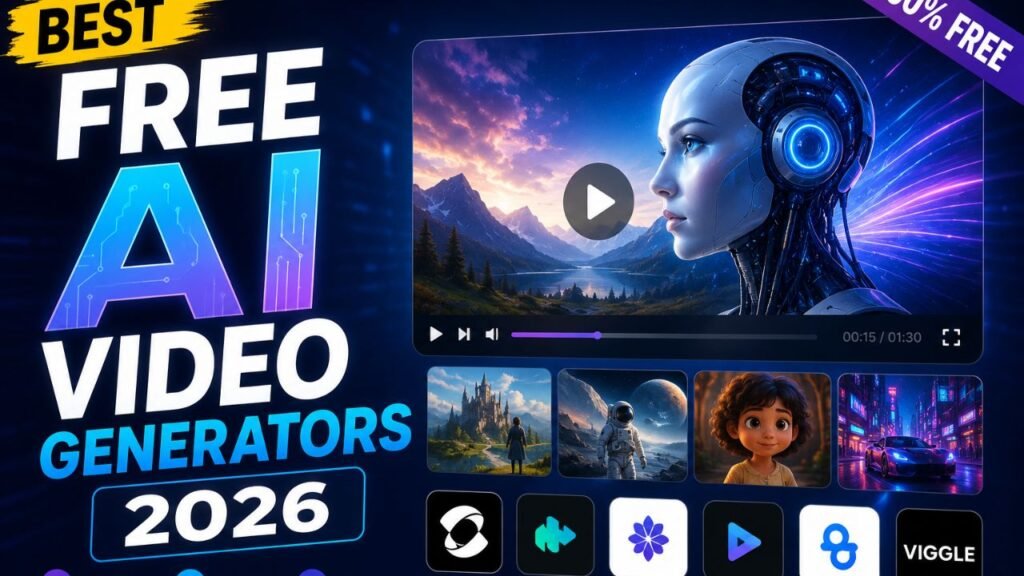
Many people ask whether free AI tools are actually useful. After testing dozens of platforms, I can confidently say that some of the best free AI video generators 2026 are surprisingly capable.
However, free plans usually come with limitations.
These limitations may include:
| Common Free Plan Limits | Example |
| Watermarks | Branding added to exports |
| Lower Resolution | Limited export quality |
| Short Videos | Restricted duration |
| Limited Credits | Fewer generations per month |
| Slower Rendering | Lower processing priority |
Despite these limitations, beginners can still learn a lot using free plans.
From my experience, the best free AI video generators 2026 include:
| AI Tool | Best For |
| VEED AI | Social media editing |
| Runway ML | AI creative workflows |
| HeyGen AI | AI avatar videos |
| Kling AI | Cinematic clips |
| Digen AI | Fast short videos |
If you are just starting out, I highly recommend experimenting with free plans before investing in premium subscriptions.
Which AI Video Generator Is Best for You?
One thing I realized during testing is that there is no single perfect AI video tool for everyone. Different creators need different features. For example, YouTubers may prioritize editing flexibility, while businesses may prefer AI avatar presenters.
Here is how I personally categorize the best AI video generators.
| Creator Type | Recommended Tool |
| Cinematic Creators | Google Veo AI |
| Realistic AI Videos | OpenAI Sora AI |
| Professional Editing | Runway ML |
| AI Presenters | HeyGen AI |
| Social Media Creators | VEED AI |
| Artistic Videos | Magiclight AI |
| Quick Content Creation | Digen AI |
Choosing the right tool depends on your workflow, goals, and content style.
My Personal Experience Using AI Video Generators Daily
After months of regular usage, I noticed several important things about working with AI-generated video. first, prompt writing matters a lot. The quality of your instructions directly affects the final result.
For example, simple prompts usually generate average results. But detailed prompts, including camera angles, lighting, movement, atmosphere, and scene descriptions, dramatically improve output quality.
I also learned that AI video generators work best when combined with manual editing. Even the best AI video generators still benefit from human creativity. Usually, I generate multiple clips, combine the best parts, add custom audio, and then polish everything inside editing software.
This hybrid workflow often produces much better results than relying entirely on AI automation. Another important observation is that rendering quality improves rapidly every few months.
What looked impressive last year now feels outdated. The AI video industry is evolving at an unbelievable speed.
Challenges and Limitations of AI Video Generation
Although AI video tools are exciting, they still have limitations. During testing, I encountered several common issues.
| Common AI Video Problems | Description |
| Inconsistent Faces | Characters sometimes change appearance |
| Strange Physics | Motion can occasionally look unnatural |
| Prompt Misunderstanding | AI may ignore instructions |
| Long Rendering Times | Complex scenes require more processing |
| Limited Scene Control | Exact precision is difficult |
Even the best AI video generators are not perfect yet. However, the technology improves constantly. Many problems that existed a year ago have already become much less noticeable.
Future of AI Video Generation
Personally, I believe AI video tools will completely transform content creation over the next few years. The gap between AI-generated video and traditional filmmaking is shrinking rapidly.
Soon, creators may be able to generate entire movies using advanced AI systems. Tools like Google Veo AI and OpenAI Sora AI already show how realistic AI-generated scenes can become. As computing power increases and AI models improve, the best AI video generators will likely become even more powerful, accessible, and affordable.
I also expect:
- Better scene consistency
- Longer AI-generated videos
- Real-time generation
- Advanced editing control
- Improved realism
- Personalized AI storytelling
The future of AI video creation looks incredibly exciting.
Final Verdict: Which Is the Best AI Video Generator?
After personally testing all these tools, I believe different platforms dominate different categories. If I had to choose the most visually impressive platform overall, OpenAI Sora AI and Google Veo AI stand out the most.
For creators needing practical workflows and editing flexibility, Runway ML remains one of the strongest choices. For business creators and AI presenters, HeyGen AI performs exceptionally well.
For short-form creators and beginners, VEED AI offers simplicity and speed. Meanwhile, tools like Kling AI, Luma AI, Seedance AI, Magiclight AI, Digen AI, Vheer AI, and Supawork AI continue pushing innovation in different directions.
The most important thing is choosing a platform that matches your creative goals. At the end of the day, the best AI video generators are not replacing creativity. They are simply making video production faster, more accessible, and more powerful than ever before.
As someone who regularly experiments with AI tools for websites, marketing, and content creation, I genuinely believe AI video generation is only getting started. And based on everything I tested this year, the future looks absolutely incredible.
Explore More Websites: